Smart WarehouseMaterial Flow

Material Flow.

Different requests. Same flow problem.

Across facilities, I found recurring needs addressed through separately maintained tools. That shifted the design question from solving each request locally to deciding what could be shared and what needed to remain configurable.

Four site-created ways of tracking material flow: notes, boards, spreadsheets, and Splunk dashboards.
My Role
Lead UX – Automation
Facility investigations, HMI design, product direction
Interfaces & Systems
  • Industrial HMI
  • OT / Automation
Project Scope
4 facilities
Shared patterns across site-specific operations

How winning team goals can lead to downstream issues.

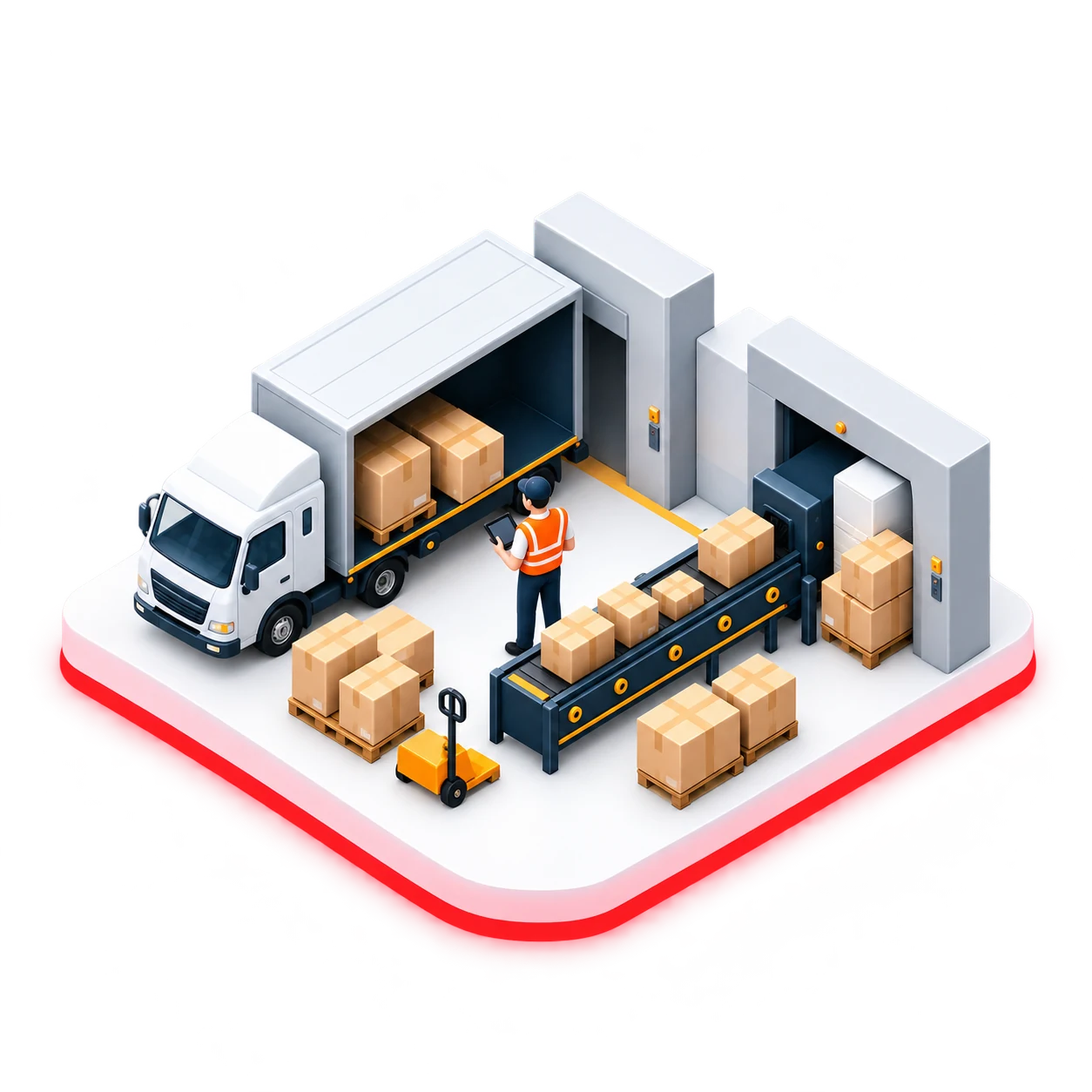
Material flow is a whole-site concern. A single upstream team can meet its output goal, but cause bottlenecks elsewhere. Site leadership teams spend countless hours trying to solve "team-first mindset" with various approaches at their facilities.

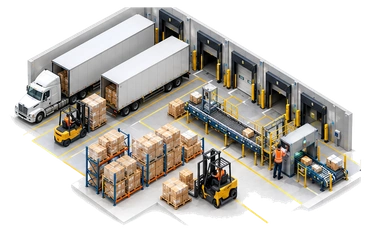
Within a warehouse

A local win could put the rest of the building under pressure.

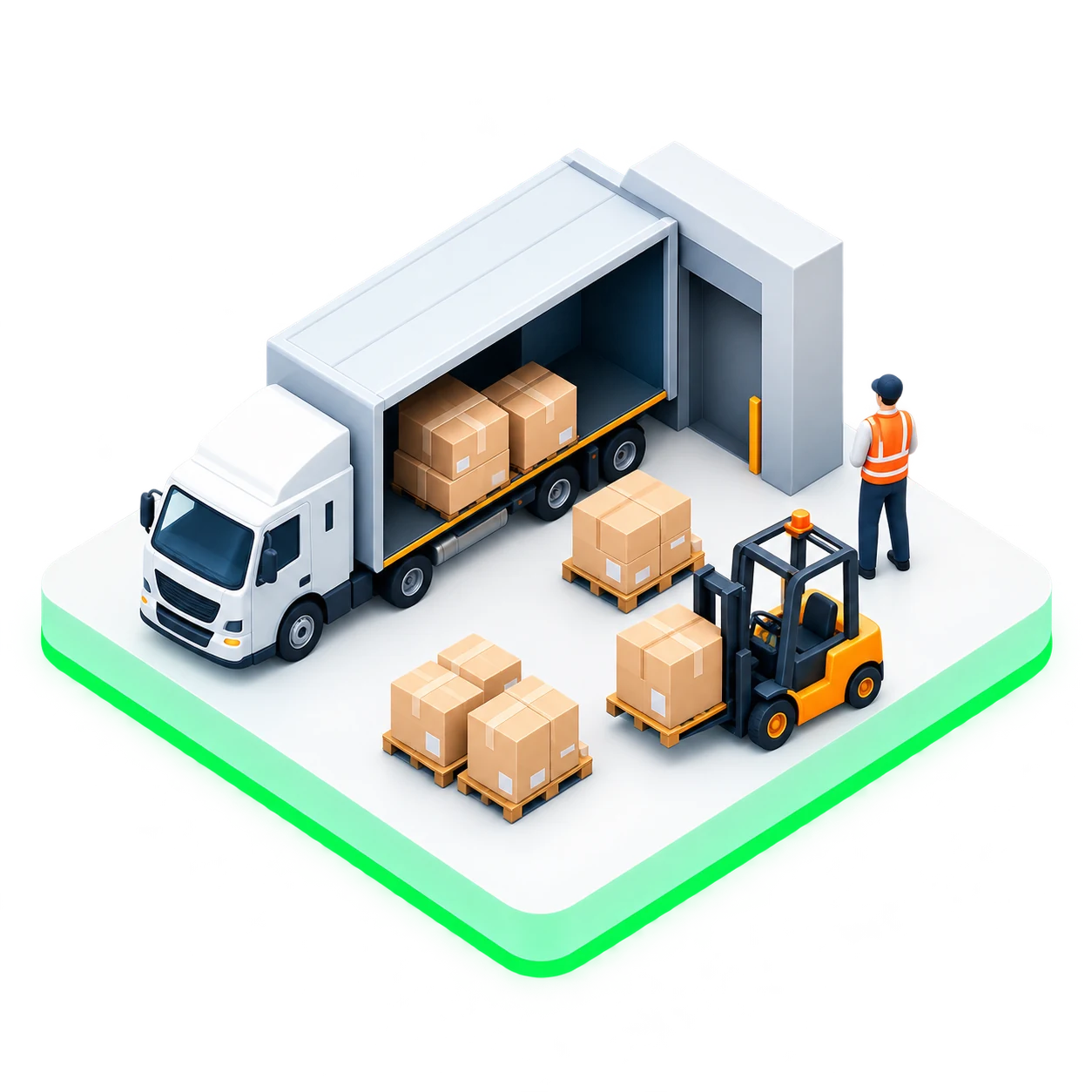
  1. Inbound

    Strong receiving performance released large bursts of product into the system.

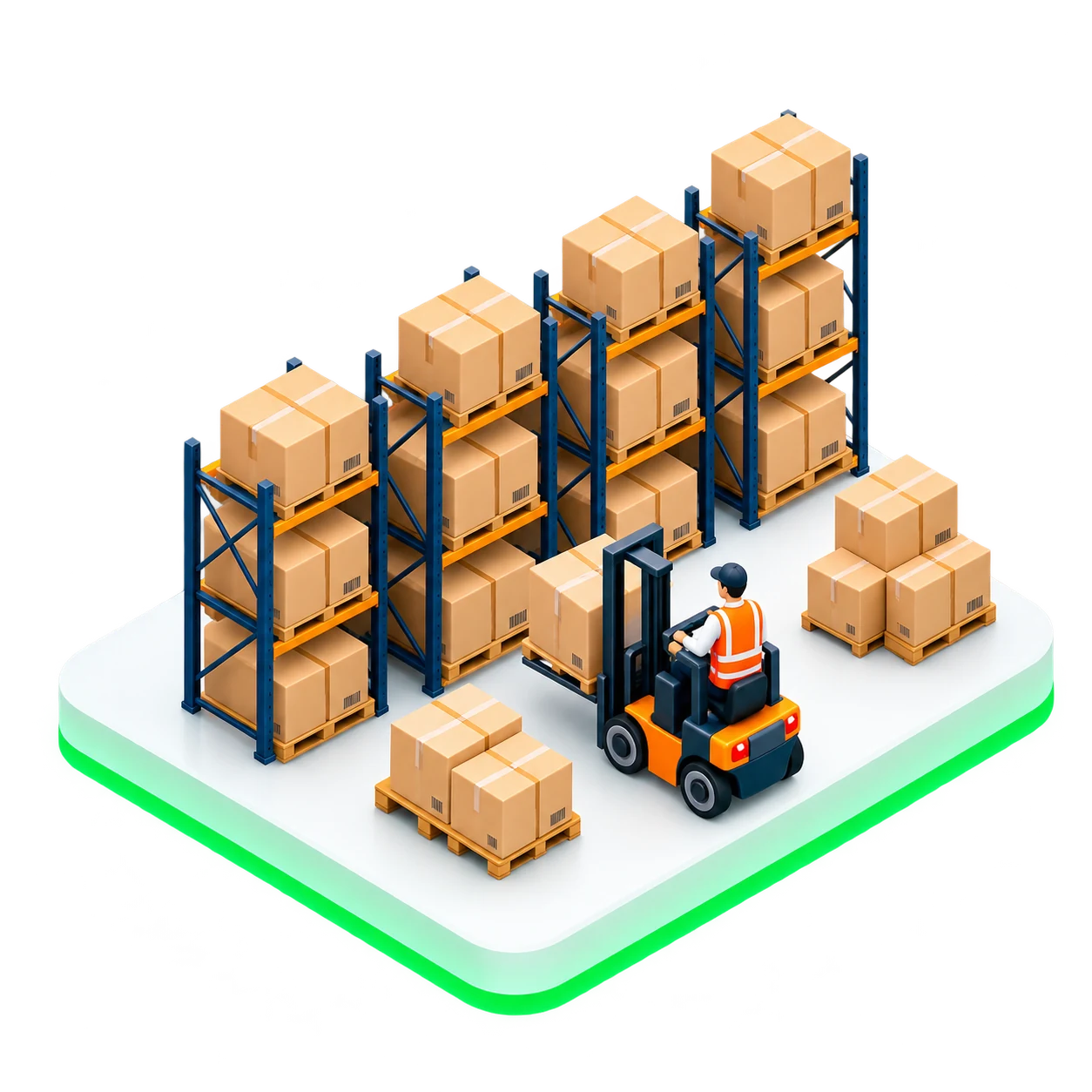
  2. Put Away / Storage

    Strong inbound activity created urgency in put away and storage, increasing demand for equipment.

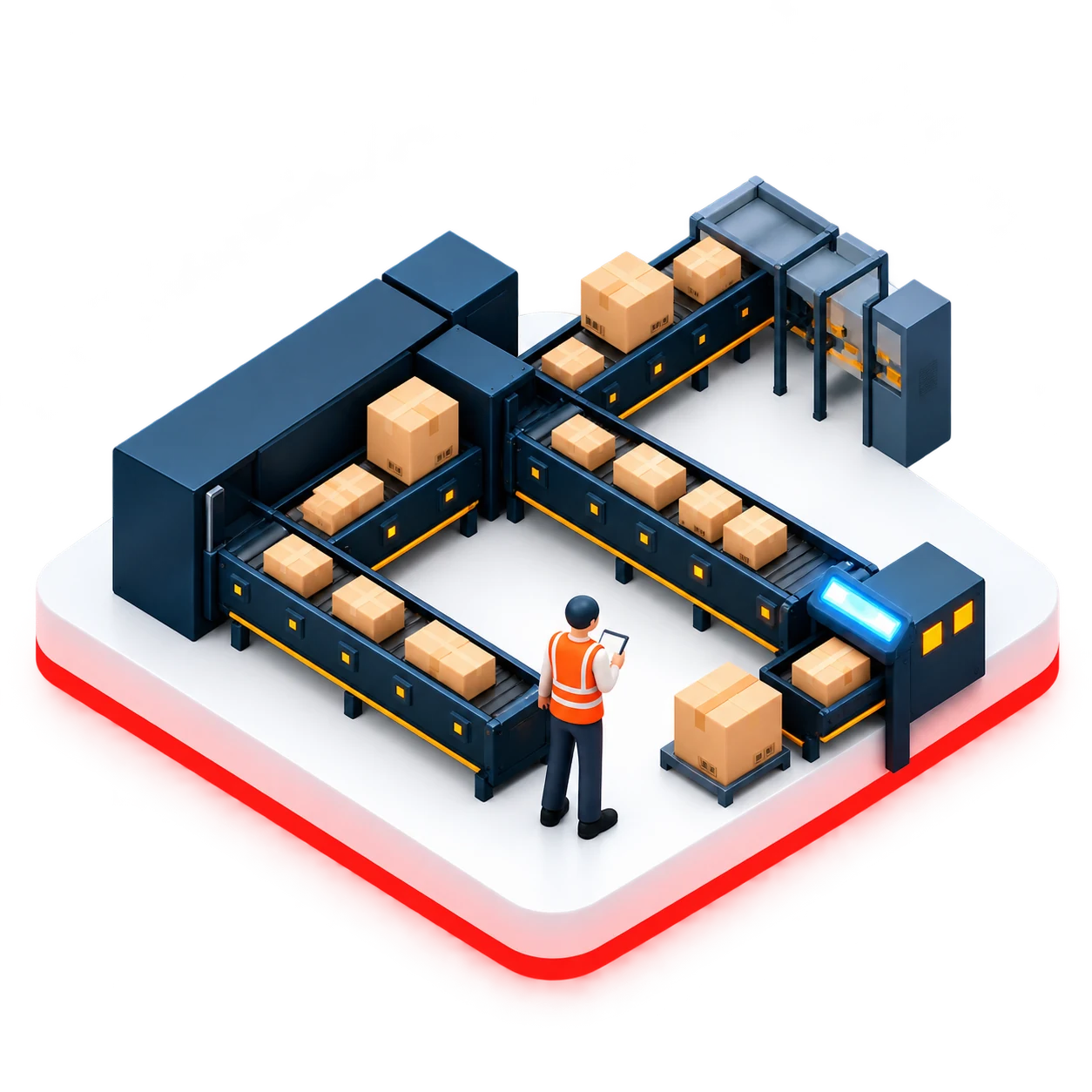
  3. Sortation

    Sorter teams struggle to keep up with heavy demand, creating jams and uneven flow.

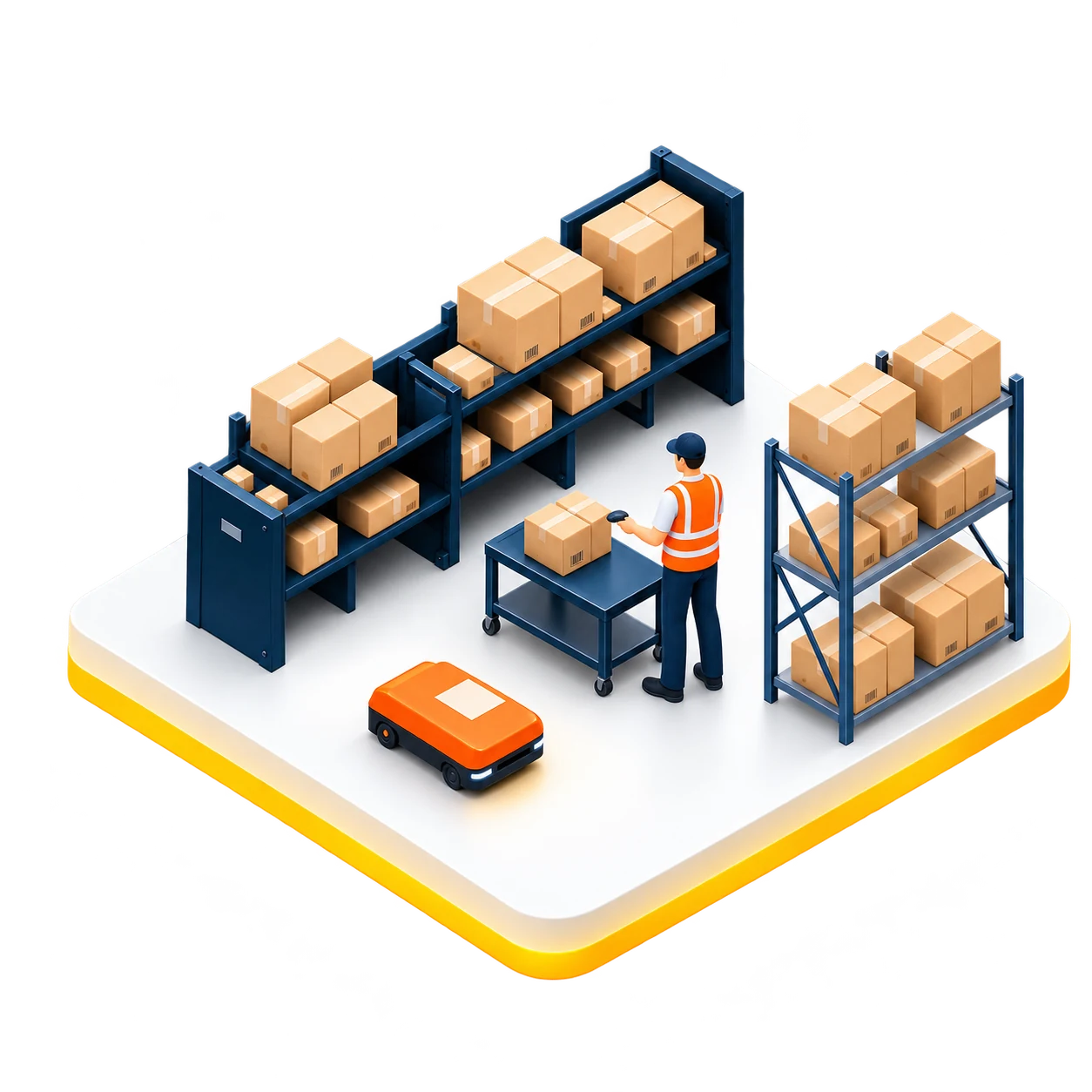
  4. Pick/Repack

    Limited access to equipment shared between Put Away and Pick make pick and repacking difficult to sustain.

  5. Outbound

    When work stalled upstream, downstream teams wait for product to arrive, leading to low productivity and delays.

Across warehouses

Though the facilities are different, they experience flow issues in similar ways. As leadership teams meet with each other, they often share potential solutions, often leading to localized updates.

01

Riverside

Operating rhythms

02

Indianapolis

Sorter visibility

03

Chicago

Inbound productivity

04

Topeka

Feed control

One shared opportunity

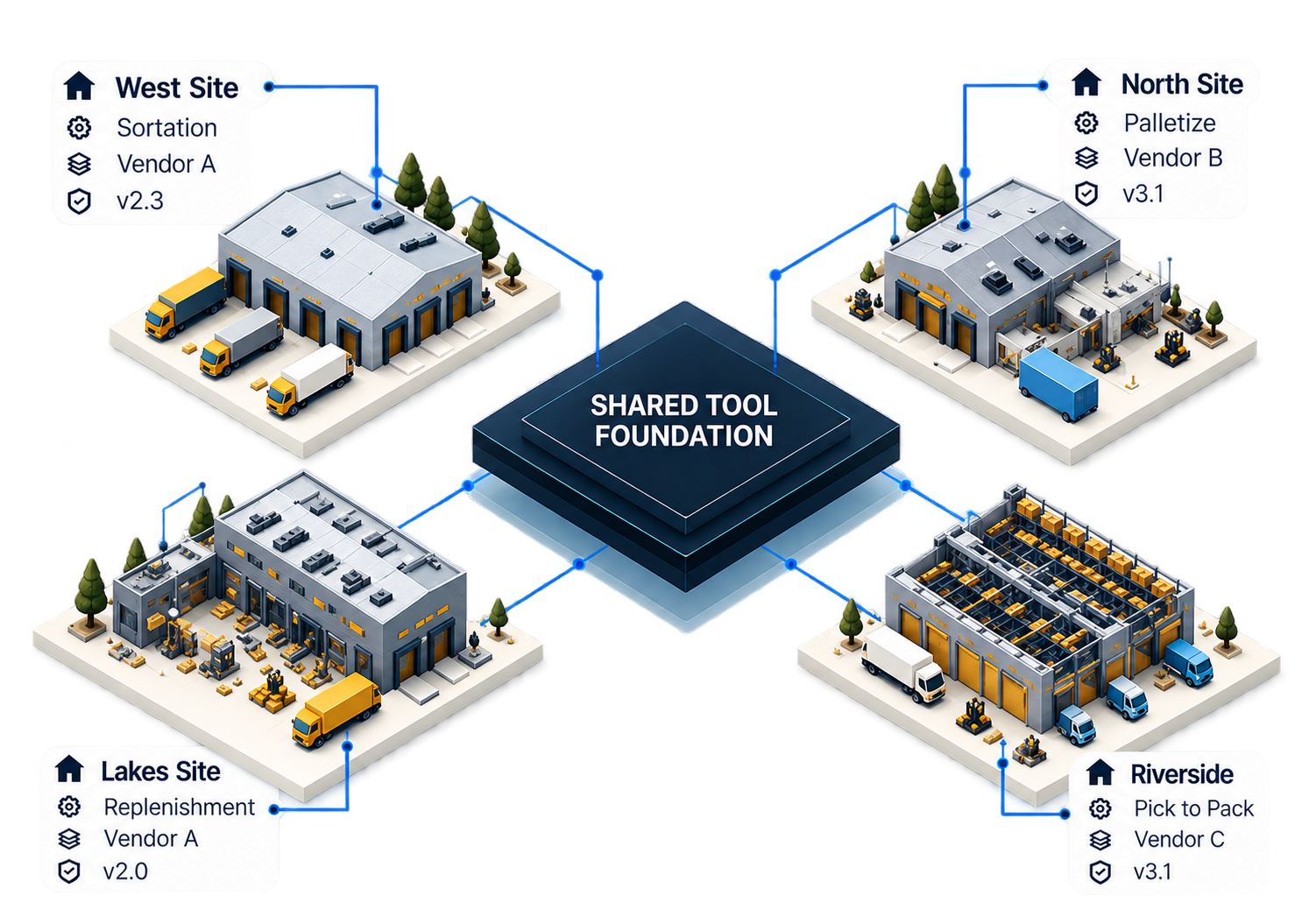
Standardize what repeats. Configure what differs. Material Flow connected local operating needs into one reusable product direction without assuming every warehouse was identical.

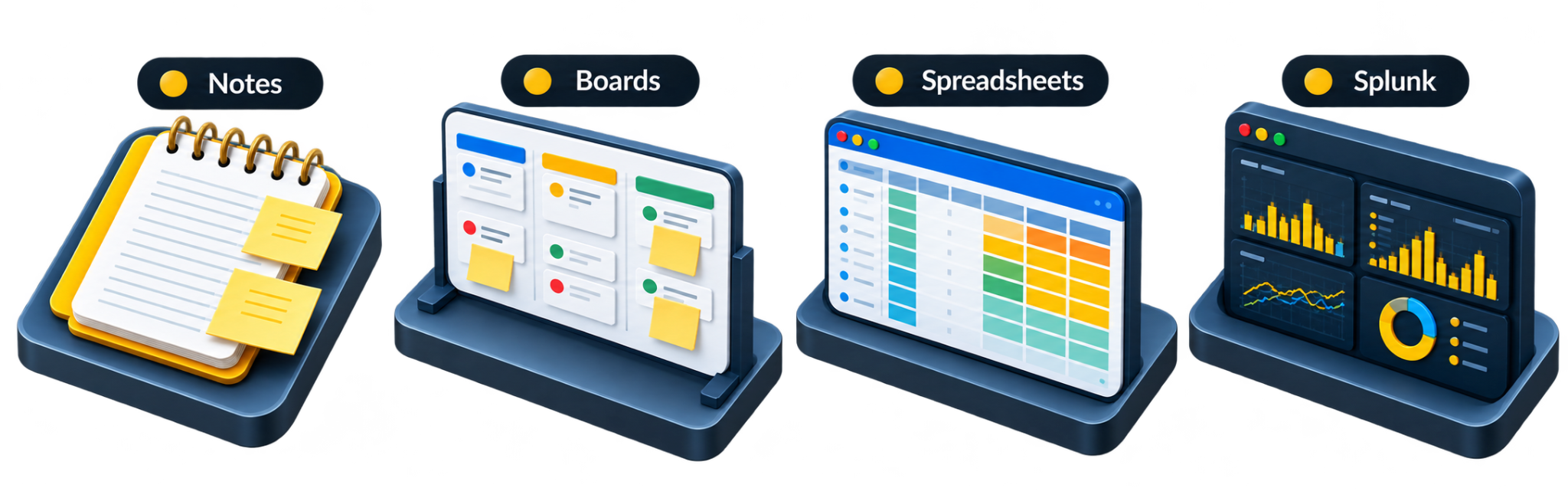
Four investigations revealed a shared pattern.

Reporting, sorter monitoring, inbound productivity, and feed control arrived as separate requests. Comparing how four facilities actually worked exposed recurring gaps in visibility, reuse, and local control.

  1. Local workaroundsTeams built around the information their own operating area needed.
  2. Repeated solutionsUseful tools were copied from site to site, then adapted independently.
  3. One growing backlogMore than 400 requests contained overlapping needs that could be investigated together.

These requests belonged in a larger Material Flow epic:one supported foundation, with room for the local variations the investigations had revealed.

Riverside

A different operational rhythm

The request: Reporting and how the Control Center monitored the building.

What the investigation uncovered

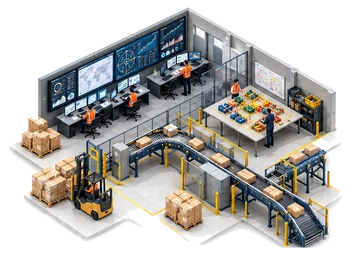
A commissioning visit began with reporting discussions and led to the Control Center. Teams worked in roughly 30-minute check-and-adjust cycles, using local tools and a LEGO-based model to explain material movement.

What connected beyond the request

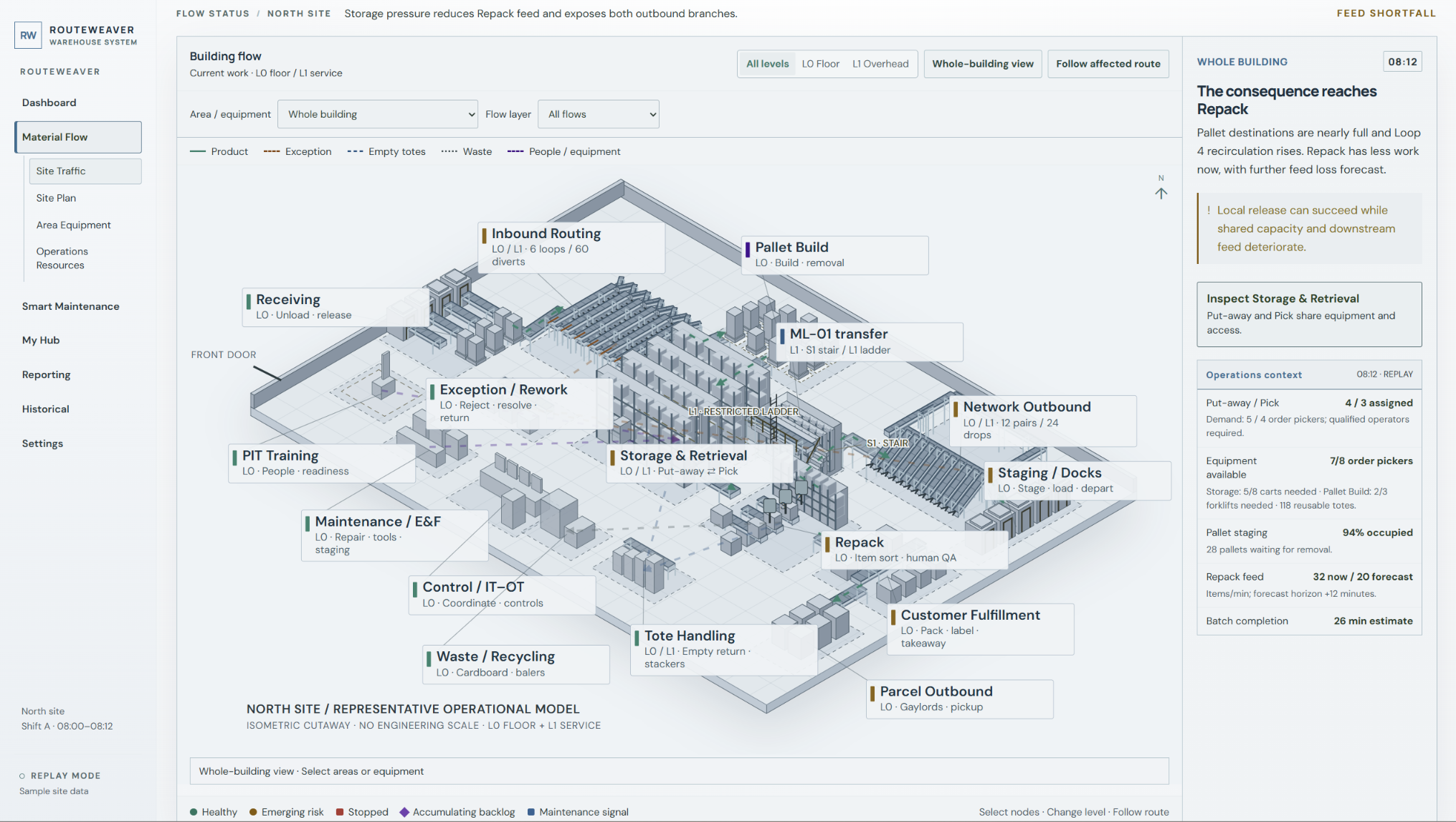
Those local practices reflected a whole-building mental model that the supported software did not yet show. The reporting request was really asking for connected operational context.

How Riverside operated

Whole-building communication

  • TV dashboards
  • Whiteboards
  • Spreadsheets

Teams used these views together to communicate material flow across the entire site.

Recurring needs called for a shared foundation.

Instead of rebuilding similar solutions for each facility, the product direction focused on reusable patterns, discoverable tools, and configuration for legitimate site differences. Material Flow contributed to the direction of a broader platform evolution.

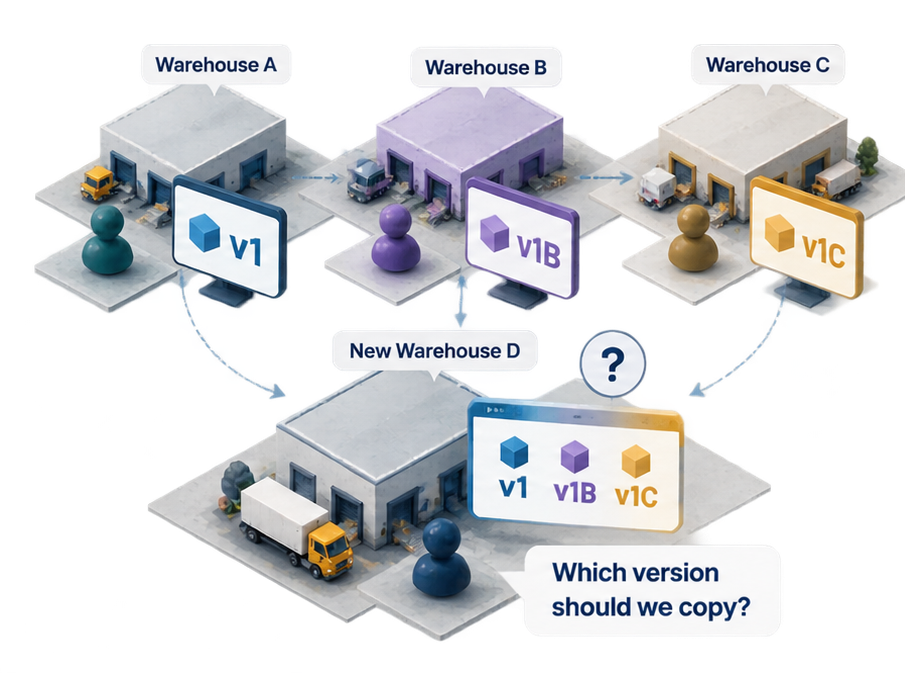
Before

Each new warehouse inherited another warehouse’s version.

Warehouses copied tools from other sites, then adapted them locally. New facilities had no single dependable starting point.

Local changes created independent versions that did not automatically receive improvements from other warehouses.

Future

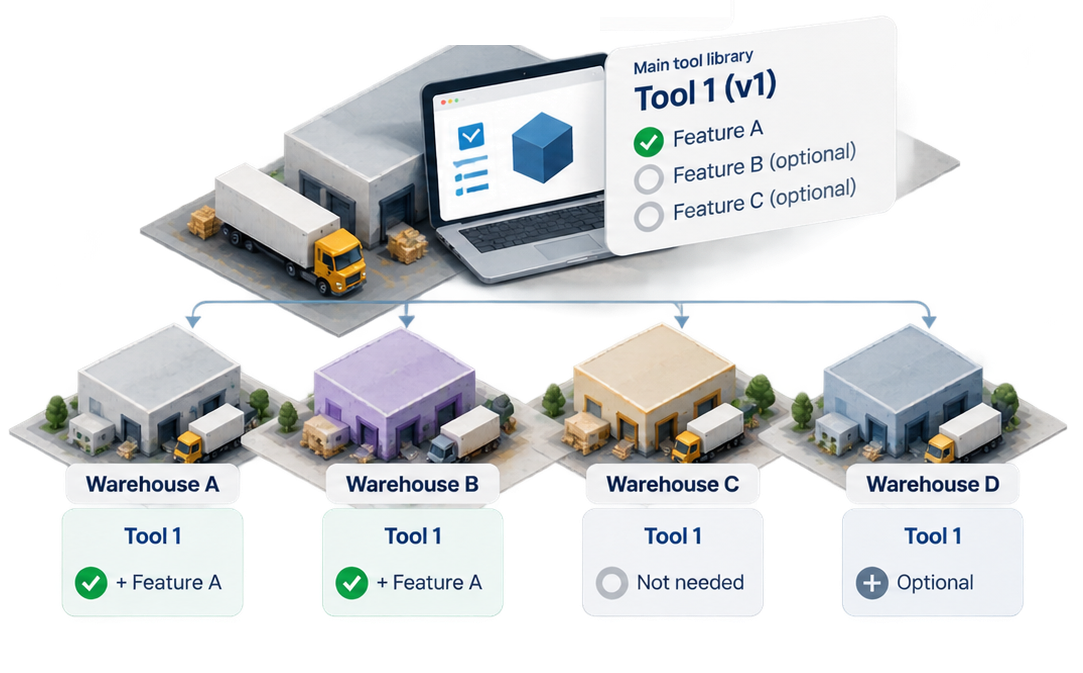
One shared tool foundation. Features applied where needed.

A central library maintains the same base tool while supported features can be enabled for each facility.

Shared tools could remain consistent while supporting legitimate differences between facilities.

One discovery. Three design responses.

The investigations separated what could improve immediately, what needed a unified tool, and where local variation needed greater support.

From interpreting labels to recognizing conditions.

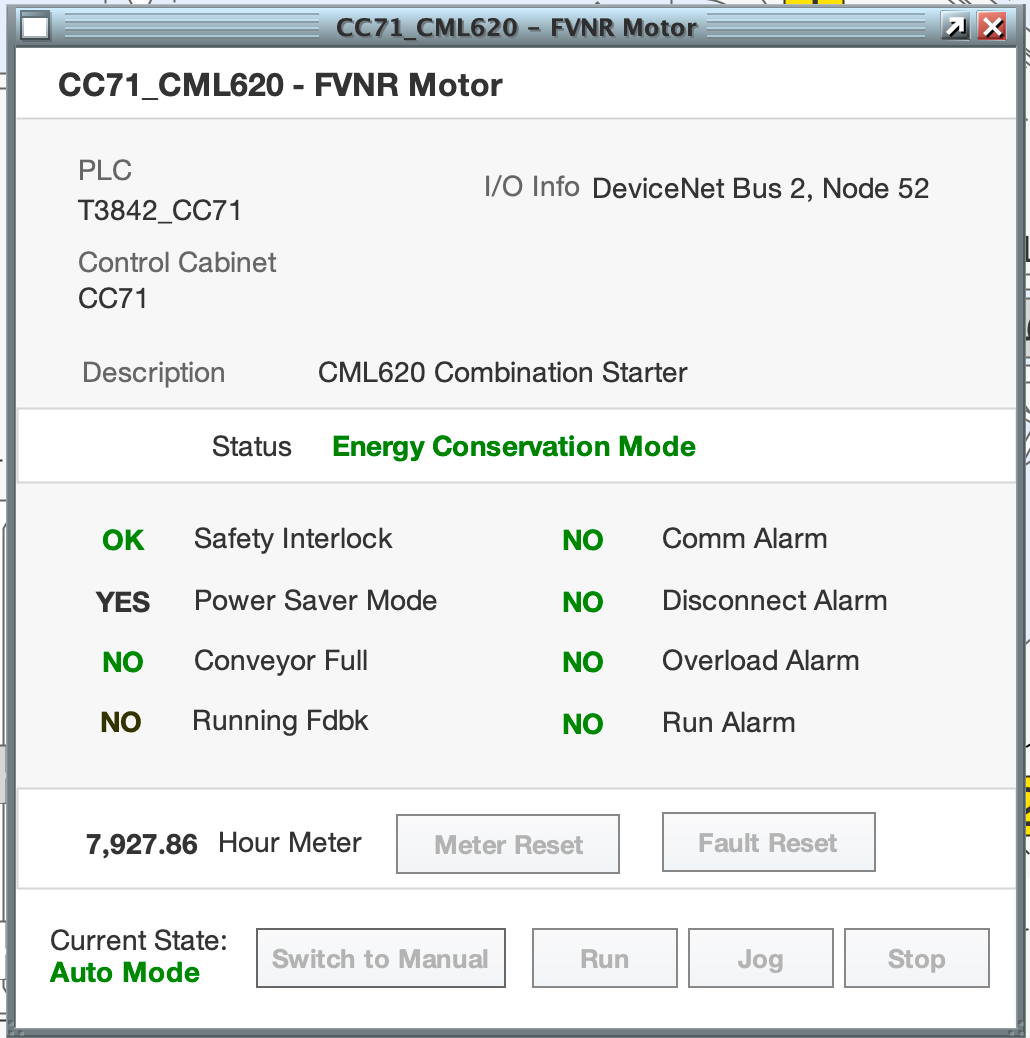
I revised the motor-status pattern so people could recognize operating conditions without decoding inconsistent OK, YES, and NO labels.

Describe the condition

Use condition-specific language so people don’t have to infer whether “YES” or “NO” indicates a problem.

Keep both states visible

Show the possible conditions together and highlight the active state.

Reuse across sites

These incremental improvements could be applied across site applications and placed in EAM for future synchronization.

Before
Original equipment status window: multiple OK, YES and NO indicators with inconsistent meanings, including a green NO indicating no alarm.
Updated
Updated motor status interface showing clear condition labels, both possible states visible in each row, orange highlighting for faulted conditions, and manual mode shown in the current state footer.
← Back to Smart Warehouse